Our Server List
To join our servers from the Server List, open the list in your game or client, select a server that matches your region and preferred game mode, then click "Join" or "Connect". Make sure your game version and any required mods are installed, that you are signed into your
account, and that you have entered any server password or have been added to the whitelist if necessary. If you experience connection problems, check your firewall and network settings, restart the client, and consult the server rules or support channels (Discord)
for assistance.

Project Zomboid IP&Port
This is the IP&Port To Join The Server
IP:pzvanilla.tvgameruk.co.uk:16261
Here is a Video to help you join:Link
Online

Palworld IP&Port
This is the IP&Port To Join The Server
IP:palworld.tvgameruk.co.uk:8211
Here is a Video to help you join:Link
Online

Cobblevease
IP&Port
This is the IP&Port To Join The Server
IP:pokecraft.tvgameruk.co.uk:25566
Here is a Video to help you join:Link
Offline

Minecraft Java
IP&Port
This is the IP&Port To Join The Server
IP:minecraft.tvgameruk.co.uk:25585
Here is a Video to help you join:Link
Ofline

V Rising
IP&Port
This is the IP&Port To Join The Server
IP:vrising.tvgameruk.co.uk:9876
Here is a Video to help you join:Link
Offline
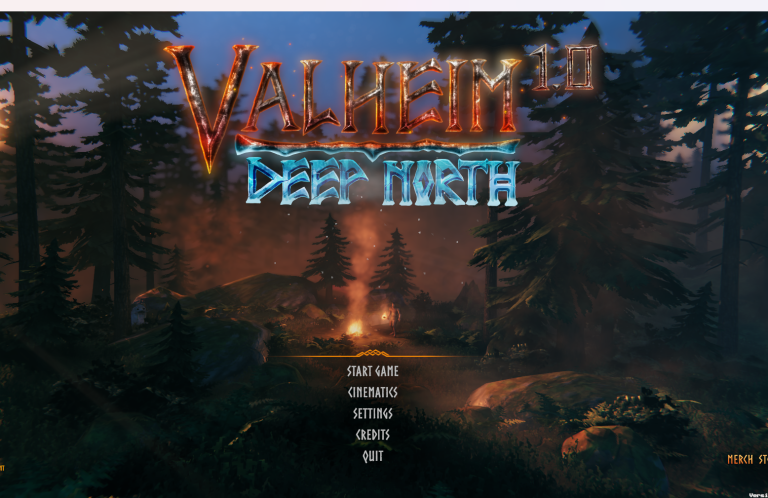

The Oasis Of Time
Welcome to a vast and immersive open world RPG where every corner is teeming with adventure and mystery. Delve:Link

More server
To come
More servers to come — our Server List is being updated regularly, so please check back soon for additional games servers.
Server Info
Server Resets and Updates
Please note that all servers listed in the Server List will undergo an automatic restart
every 12 hours to apply updates and maintain optimal performance; you may
experience a brief interruption during each restart, and scheduled restart times are shown next to each server on the list.
Server Backup
In the Server List, we take a backup of each server as a precaution; backups are
performed regularly and stored securely to ensure quick restoration and minimise
disruption.